CONNECT WITH US
Gaming

Gaming

Android Auto is rolling out a new app navigation layout perfect for wide displays

Android Authority — Games logo

Published on

Add as a preferred source on Google
Android Auto is rolling out a new app navigation layout perfect for wide displays

TL;DR Android Auto appears to be introducing a new UI for many apps, with navigation options stacked on the side of the screen.

Compared to screen-top navigation, the new interface should be easier for drivers to access without being distracted.

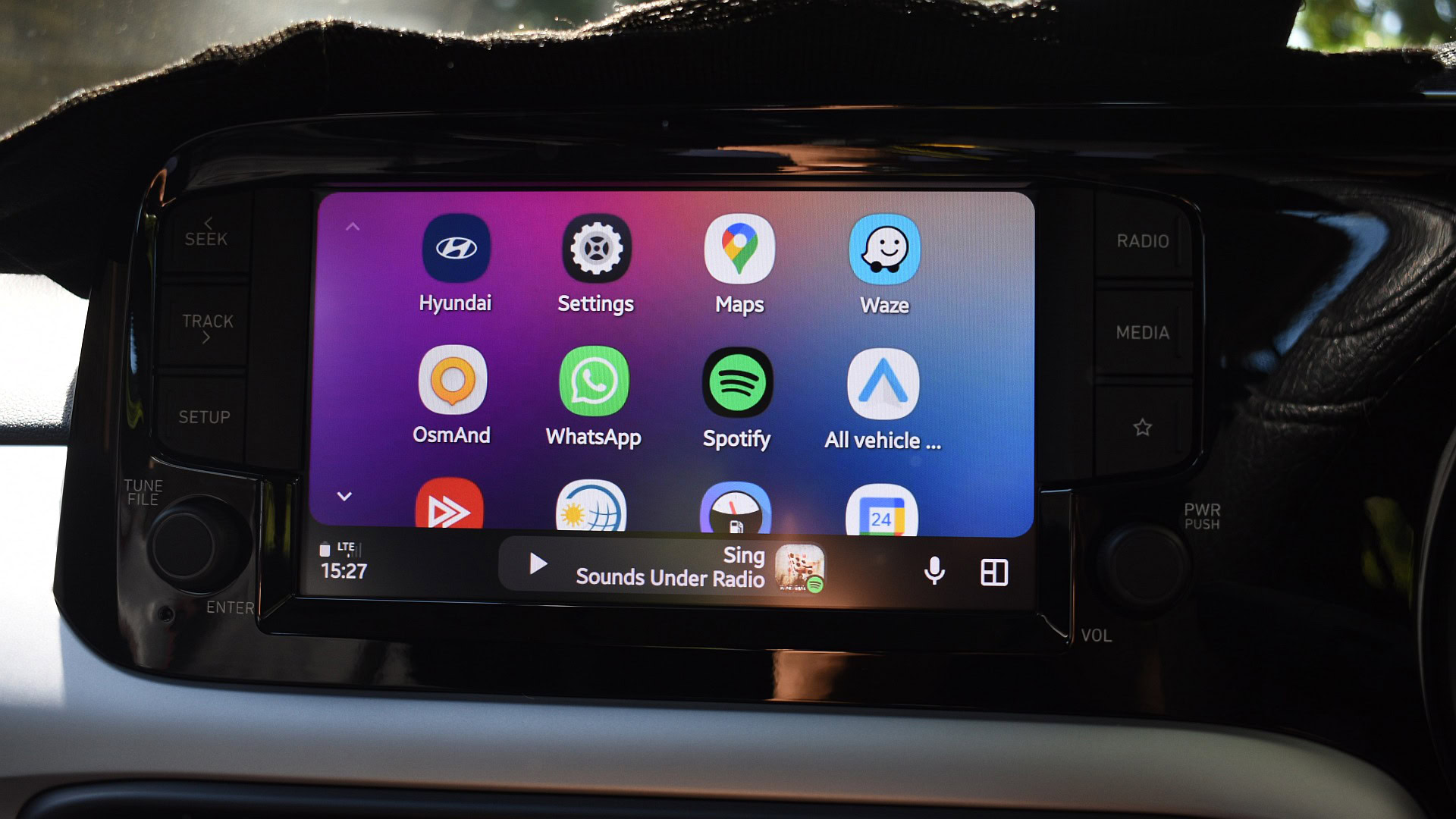
So far, we’ve seen this look with Spotify, YouTube Music, Amazon Music, and the system dialer.

For as much as we like a good UI on our phones, interface design is arguably even more important when we’re looking at a platform like Android Auto , and today we’re checking out what seems to be an intuitive new upgrade with a big emphasis on easy touch controls.

On Android Auto 18.2.664604-release, we’re starting to see apps adopt a new layout, trading screen-top navigation options for a list along the side. For an example, here’s how Spotify used to look:


Source link

Disclaimer

We strive to uphold the highest ethical standards in all of our reporting and coverage. We TheMorningPulse.fyi want to be transparent with our readers about any potential conflicts of interest that may arise in our work. It's possible that some of the investors we feature may have connections to other businesses, including competitors or companies we write about. However, we want to assure our readers that this will not have any impact on the integrity or impartiality of our reporting. We are committed to delivering accurate, unbiased news and information to our audience, and we will continue to uphold our ethics and principles in all of our work. Thank you for your trust and support.