There's no getting around the fact that modern flat-panel TV sound is usually pretty awful. The thin bodies of these devices don't leave much room for decent speakers and audio components, so many manufacturers do the bare minimum to avoid having the device classified as a computer monitor for lack of speakers.
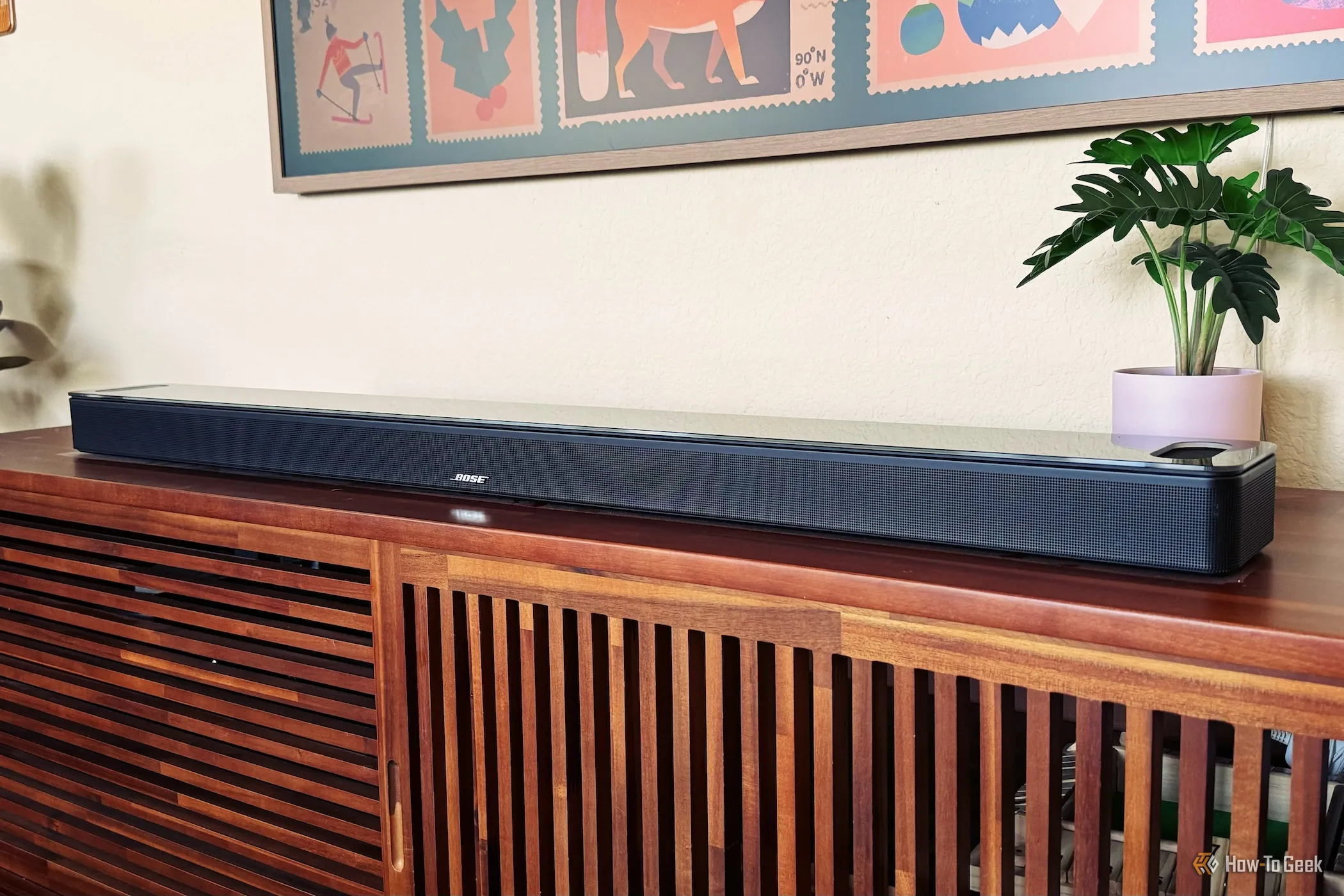
Conventional wisdom says you need to fork out for a soundbar, and that's still good advice. Even a cheap soundbar usually sounds much better than an expensive TV's built-in audio. However, not everyone has the space or funds to do that. Luckily, you can try a few things to improve your TV speaker audio for free.
The first thing you should try is changing the audio presets your TV offers to find the one that sounds best to your ear. Fancy "cinema" or "virtual surround" settings can definitely make things sound worse than they need to be. In particular, they can make dialogue hard to hear and otherwise mess with the sound mix with needless post-processing.
Start with whatever the "standard" preset is, and work from there. Keep in mind that you're unlikely to find one preset that works best for all types of content. The perfect preset for a documentary won't necessarily work for an action movie.
An equalizer is simply a filter that lets you adjust the relative volume of different frequency bands in the mix. Usually, this means you can adjust the bass, midrange, and treble frequencies independently. People usually adjust this as a matter of taste, but if, for example, your TV speakers distort at higher volumes because of excessive bass, an equalizer can remove that problem without reducing the other parts of the sound.
Source link