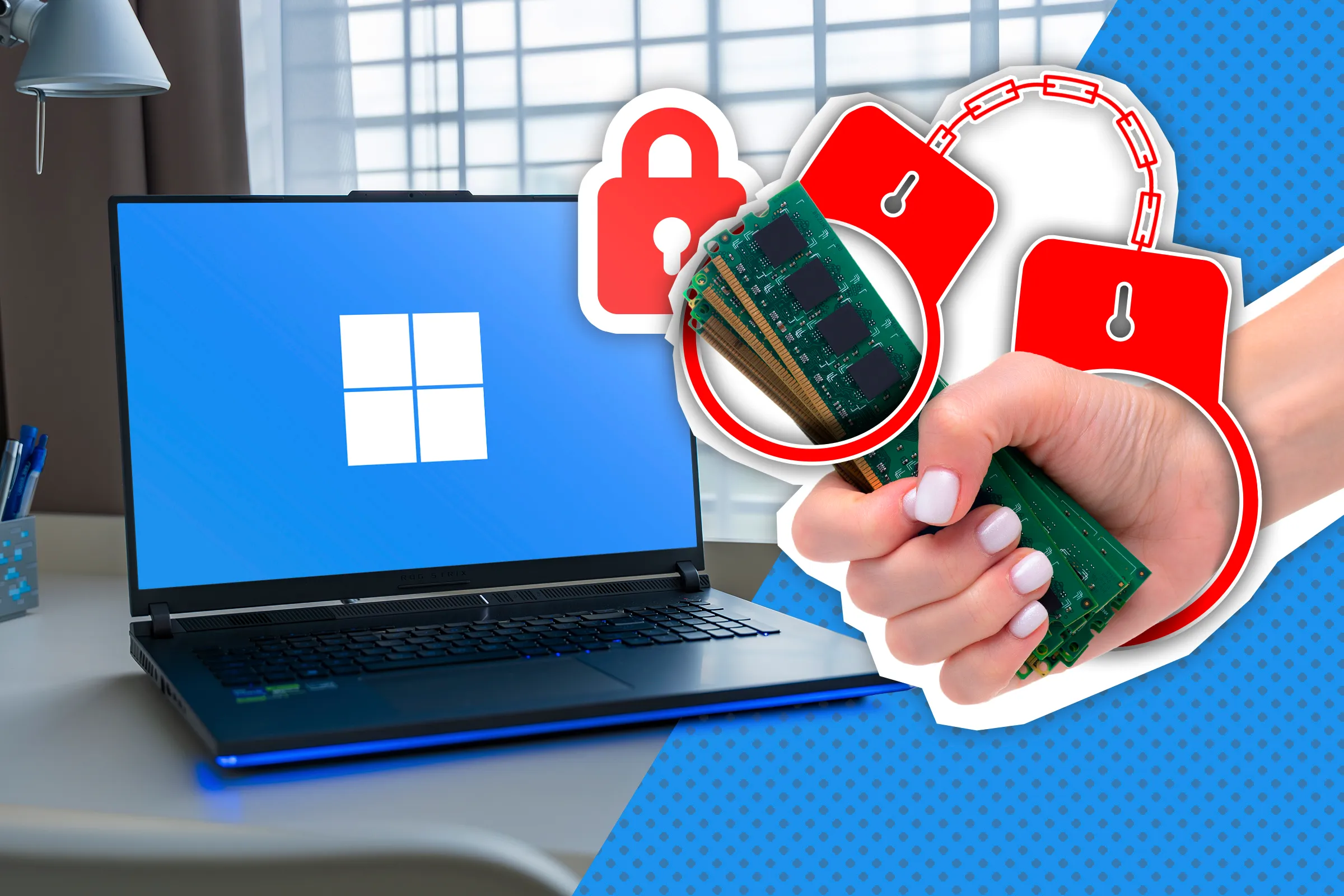
You've likely noticed that your Windows computer tends to slow down after it's been running for a while. This can happen even on brand-new laptops and powerful gaming PCs, yet few people understand why this happens. The good news is that I have a solution.
If your PC generally has good specs and is fast but slows down when you try opening a new app or even a tab in a browser, you're probably running out of space on your RAM. It's the fast kind of memory that programs use, not the type you store your files in. The stutter doesn't necessarily indicate that you don't have enough RAM; I have 16GB, and even opening a new tab in Chrome makes my PC freeze for a second sometimes.
If you open Task Manager at any given time, chances are you're going to see that "Memory" is around 50–60% full. This happens for a few reasons. First, Windows has a bunch of background services, on top of which, you likely have a few apps running yourself. That's nothing to be concerned about.
The second reason is that Windows' Superfetch allows the system to preload your most frequent apps so that your PC can open them faster when you click on them. The third and most important reason is that previously run apps continue holding on to their allocated RAM space, which effectively reduces the available RAM for the rest of your system.
Windows doesn't set a cap on how much RAM an app can use, which is great for performance while using an app.
Source link