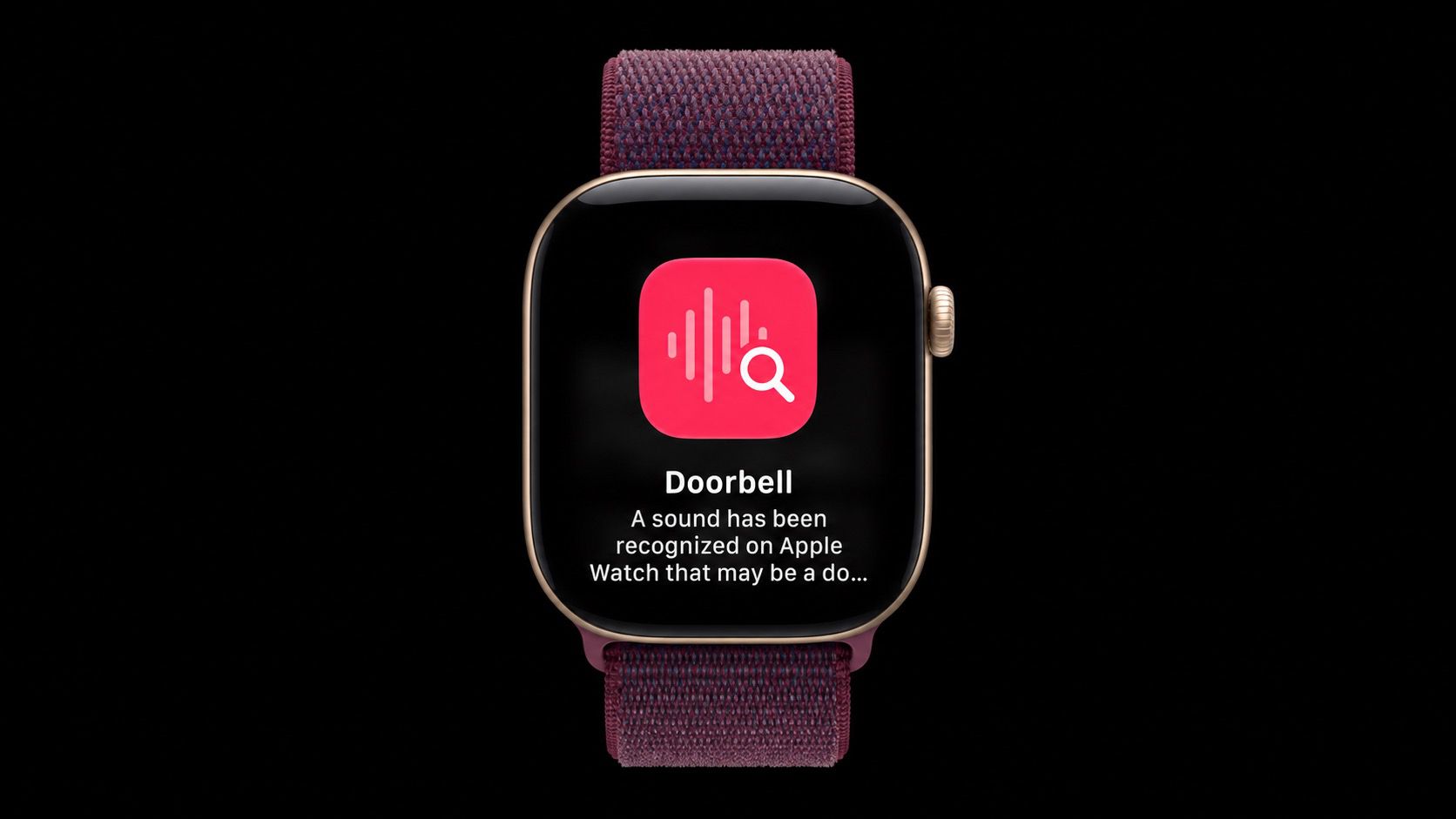
One of Apple's accessibility features on iPhone can listen for important sounds around you, such as a doorbell, siren or alarm, and it sends you a notification when it hears one. The feature has been extended to Apple's new Apple Watch Series 12 and Apple Watch Ultra 4 models, so the alert reaches your wrist even when your iPhone isn't with you. It's especially useful for people who are deaf or hard of hearing, but it has everyday uses too. If you wear noise-cancelling headphones while working and don't want to miss the doorbell – if you're expecting a delivery, for example – your Apple Watch can alert you. Sounds Your Apple Watch Can Detect
Sound Recognition can detect the following 15 sounds. Any you switch on in the iPhone's Sounds list are also detected by your Apple Watch when "Detect using Apple Watch" is enabled: Fire Alarm
If a sound isn't recognized automatically, you can also teach your iPhone a Custom Alarm or Custom Appliance or Doorbell from the same Sounds list. What You'll Need
You'll need an Apple Watch Series 12 or Ultra 4 paired with an iPhone 11 or later, or an iPhone SE (2nd generation or later), running iOS 27. If you already use Sound Recognition on your iPhone, it turns on automatically for your Apple Watch, so you may not need to do anything. Either way, here's how to set it up: Open the Settings app on your iPhone and tap Accessibility .
Source link