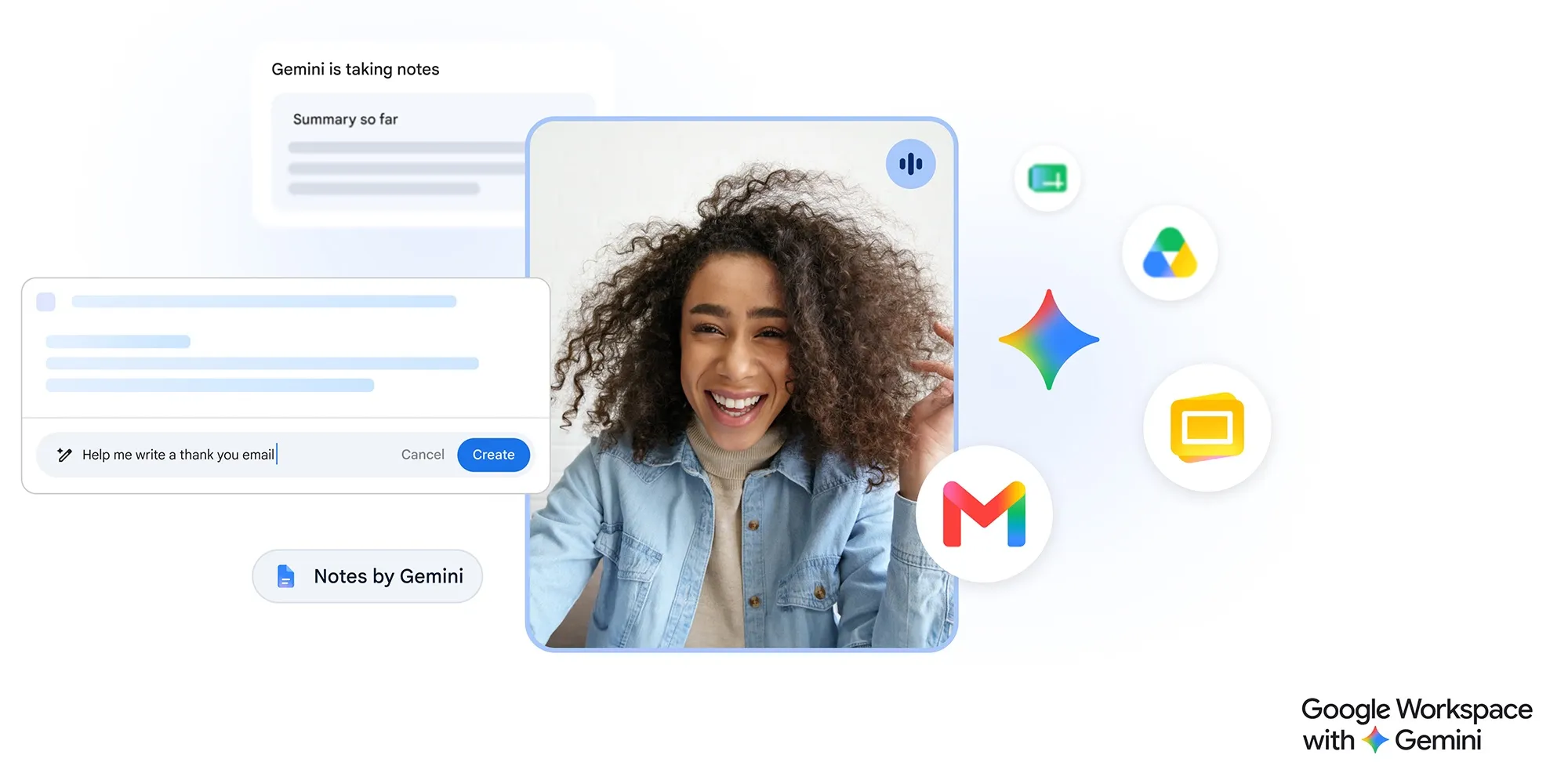
No longer is Gemini a passive Mac app that simply sits on the sidebar. Google has introduced a new “@Computer use” command in the Gemini for Mac app, allowing Gemini to access files, edit documents, run apps, and even access the internet.
But as with all AI with agentic capabilities, you might not want to give it total access to your precious family photos or important files because it can make mistakes.
Luckily, Google has planned ahead with a key feature that’ll prevent Gemini from completely wiping your Mac.
Google’s announcement showcases that with a simple prompt, Gemini could take a child’s sketch of a butterfly and turn it into a fully rigged model in Blender, create an alternative reality app that allows the butterfly to fly around the room, and even turn the drawing into a design for a 3D printed ring.
Outside of the fun ways to use it, Gemini can take over mundane tasks such as tidying up folders, batch-processing forms and images, or putting together a presentation or slideshow from local files.
Rather than taking over your mouse and keyboard to run its errands, Gemini will instead type, click buttons, and navigate in a background window, allowing you to continue using your device without being interrupted.
For those worried about Gemini modifying or deleting something important, Google has got you covered. You have granular control over what Gemini can and cannot access, and Gemini will create temporary backup copies of every file it interacts with.
Source link