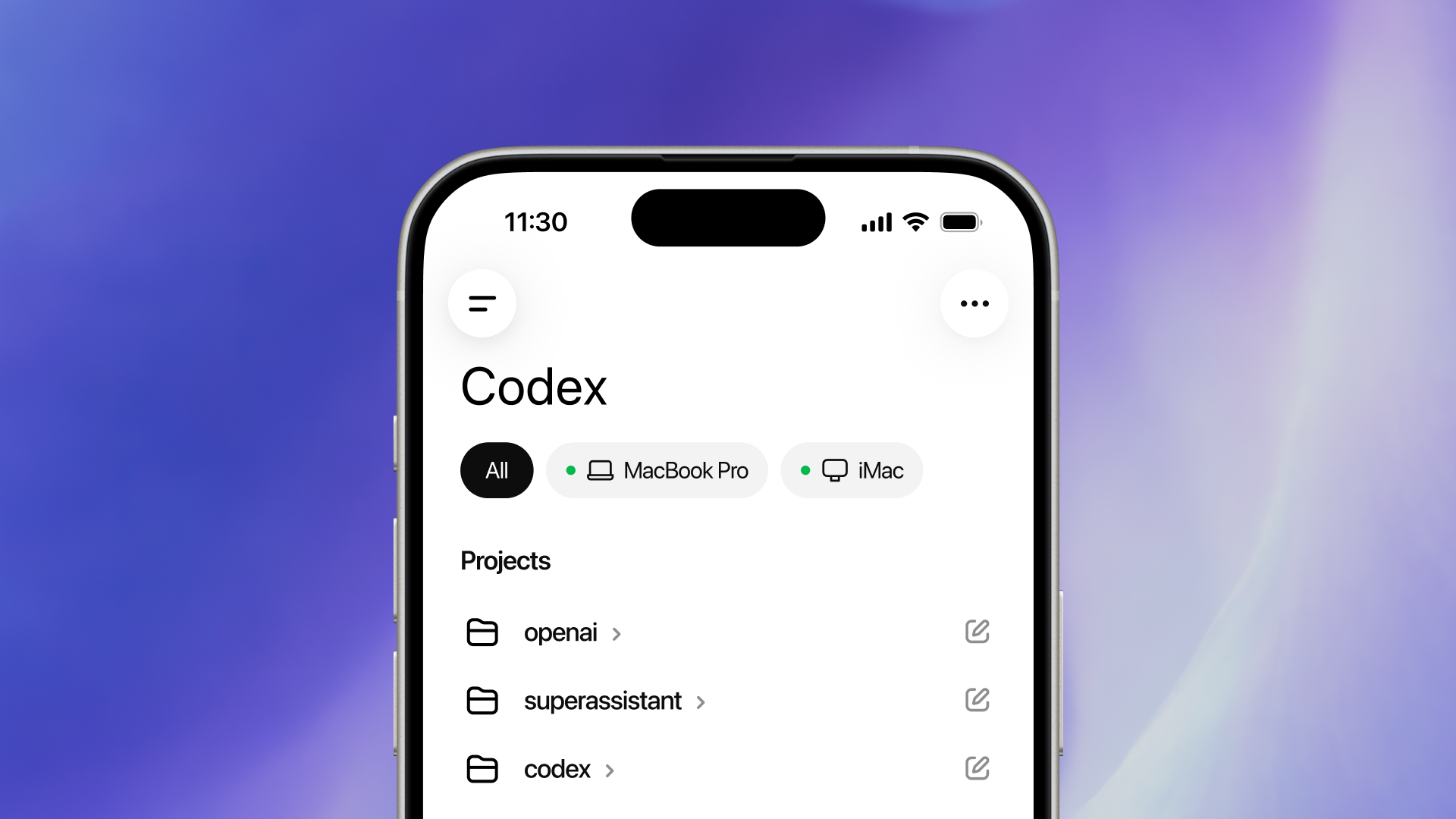
Codex is coming to your phone. Now in preview in the ChatGPT mobile app.
Codex is now in the ChatGPT mobile app so you can stay in the loop from anywhere while Codex gets work done across your laptops, devboxes, or remote environments.
As agents take on longer-running work, a new rhythm for collaboration is emerging. To keep work moving, you need to be able to easily answer a question, review what Codex found, change direction, approve what comes next, or add a new idea.
More than 4 million people now use Codex every week, and we’re seeing how much those small moments matter. A quick check-in can keep a thread moving, prevent unnecessary rework, or help Codex make progress with the right context. Now you can do that from your phone. Get started here(opens in a new window).
Codex in the ChatGPT mobile app is a fully-featured mobile experience for getting work done with Codex. When you connect to any of your machines where Codex is running (whether that’s your laptop, a dedicated Mac mini, or a managed remote environment), the app loads the live state from that environment so you can work fluidly across active threads, approvals, plugins, and project context.
This is more than the ability to remotely control a single task or dispatch new tasks to your computer. From your phone, you can work across all of your threads, review outputs, approve commands, change models, or start something new. Your files, credentials, permissions, and local setup stay on the machine where Codex is operating, while updates flow back to your phone in real time, including screenshots, terminal output, diffs, test results, and approvals.
Source link