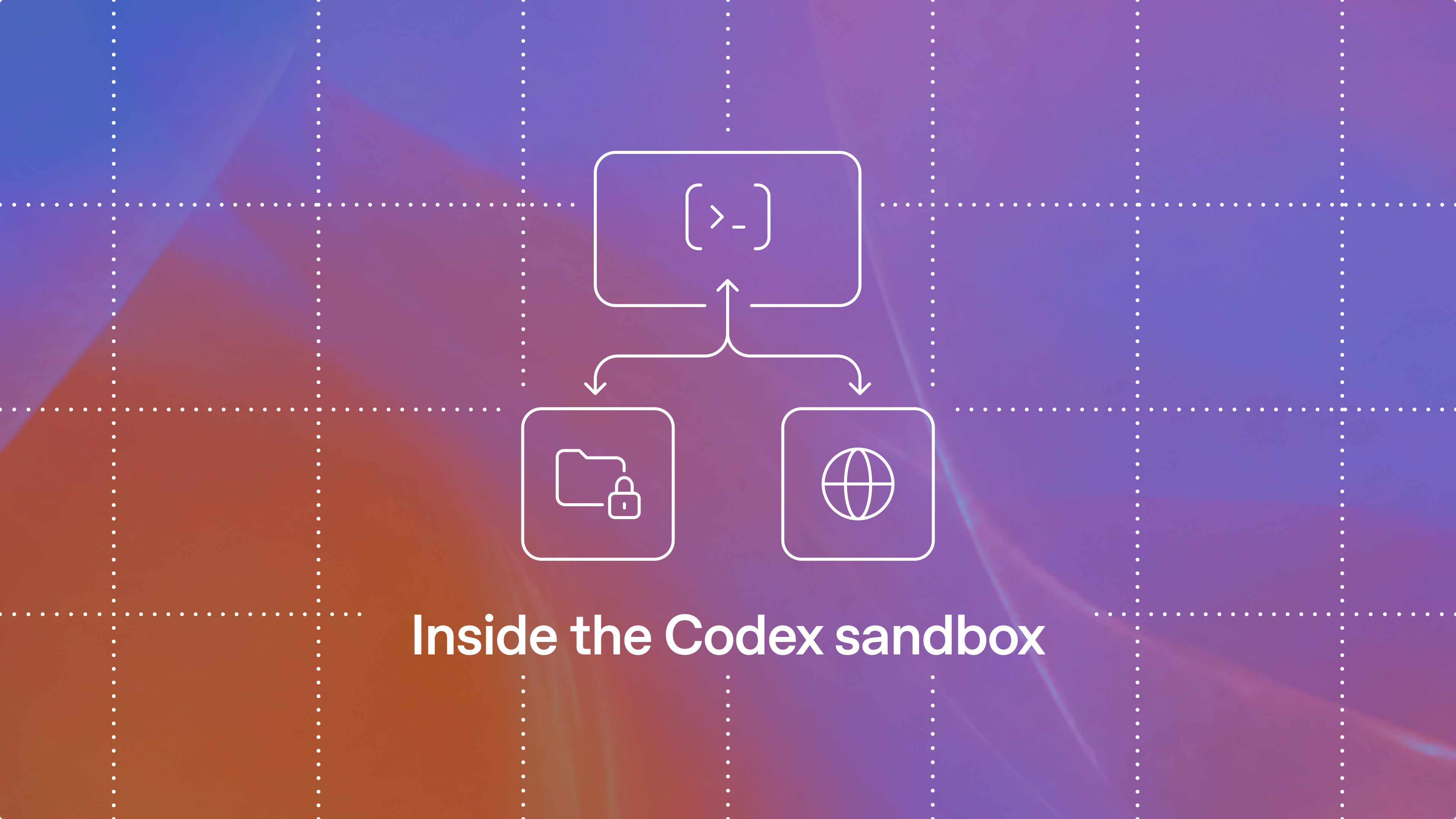
At OpenAI, we take a defense in depth(opens in a new window) approach when it comes to safeguarding agents. While our investments in training and alignment are fundamental to this effort, we also implement features in our agentic harness, Codex(opens in a new window), to provide additional protections. Because one of the most common (and potentially risky) things Codex does is run commands on your computer, we built the Codex sandbox so Codex can work in your existing environment within filesystem and network limits you control.
A (opens in a new window)sandbox(opens in a new window) limits what a program can access while it runs. For a photo-organizing task, you might configure the Codex sandbox to let commands read and modify files in ~/Pictures while blocking network access to prevent uploads. For code review, you might allow access to online documentation while keeping source files read-only. Users configure the Codex sandbox through (opens in a new window)permission profiles(opens in a new window), which define the filesystem and network restrictions for a Codex session.
In this article, we’ll start with the tradeoffs behind Codex’s sandbox defaults, then explain the sandbox’s design and how the harness uses it to run commands. We’ll show how end users and enterprises can tailor its permissions to their needs and how developers can reuse the sandbox in their own tools. Finally, we’ll examine how these restrictions are enforced on macOS, Linux, and Windows.
Source link