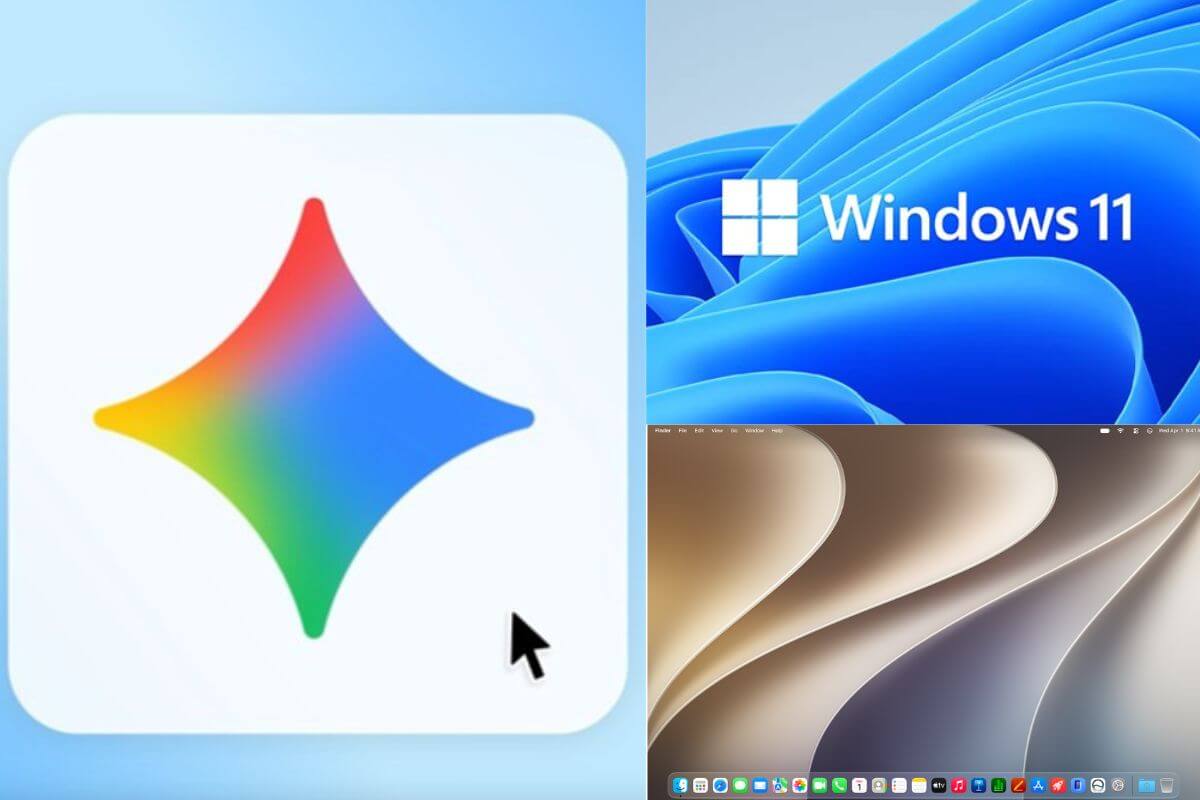
Google just launched the Windows and macOS apps for Gemini, which can now run as an on-device AI model on your Windows workstation. The Gemini app can now integrate into your workflow without needing to open it in a separate browser window. Here is what the Gemini app for Windows can do.
Also Read: Google Play Code Not Working? Check Your Account Country and Currency
Gemini App integration with Windows and macOS unlocks many possibilities. Instead of depending on an AI platform in a browser, you can use it directly on your device and easily integrate it into your workflow.
The launch comes as Gemini’s competitor, OpenAI, has launched the ChatGPT app for Windows and recently for macOS as well.
Also Read: Google’s Android Pulse App Appears on Play Store: What is it?
Google announced that the Gemini app gets a shortcut for easy access. You can press Alt + Space to open the Gemini app and run prompts to help with your work.
For macOS, you can open the Google Gemini app with the Option + Space shortcut.
Whether it is helping with a presentation, generating ideas, or if you are stuck on something, Gemini can detect where you are stuck and suggest possible ideas.
Google has also integrated access to Gemini Spark 1, a 24/7 personal AI agent that works with Google apps such as Gmail and Google Drive.
So if you are working on a presentation or want to send an email, Google Spark on Windows and macOS, powered by Gemini, can get it done for you.
Source link