We're currently in a shift from using models, which excel at particular tasks, to using agents capable of handling complex workflows. By prompting models, you can only access trained intelligence. However, giving the model a computer environment can achieve a much wider range of use cases, like running services, requesting data from APIs, or generating more useful artifacts like spreadsheets or reports.
A few practical problems emerge when you try to build agents: where to put intermediate files, how to avoid pasting large tables into a prompt, how to give the workflow network access without creating a security headache, and how to handle timeouts and retries without building a workflow system yourself.
Instead of putting it on developers to build their own execution environments, we built the necessary components to equip the Responses API(opens in a new window) with a computer environment to reliably execute real-world tasks.
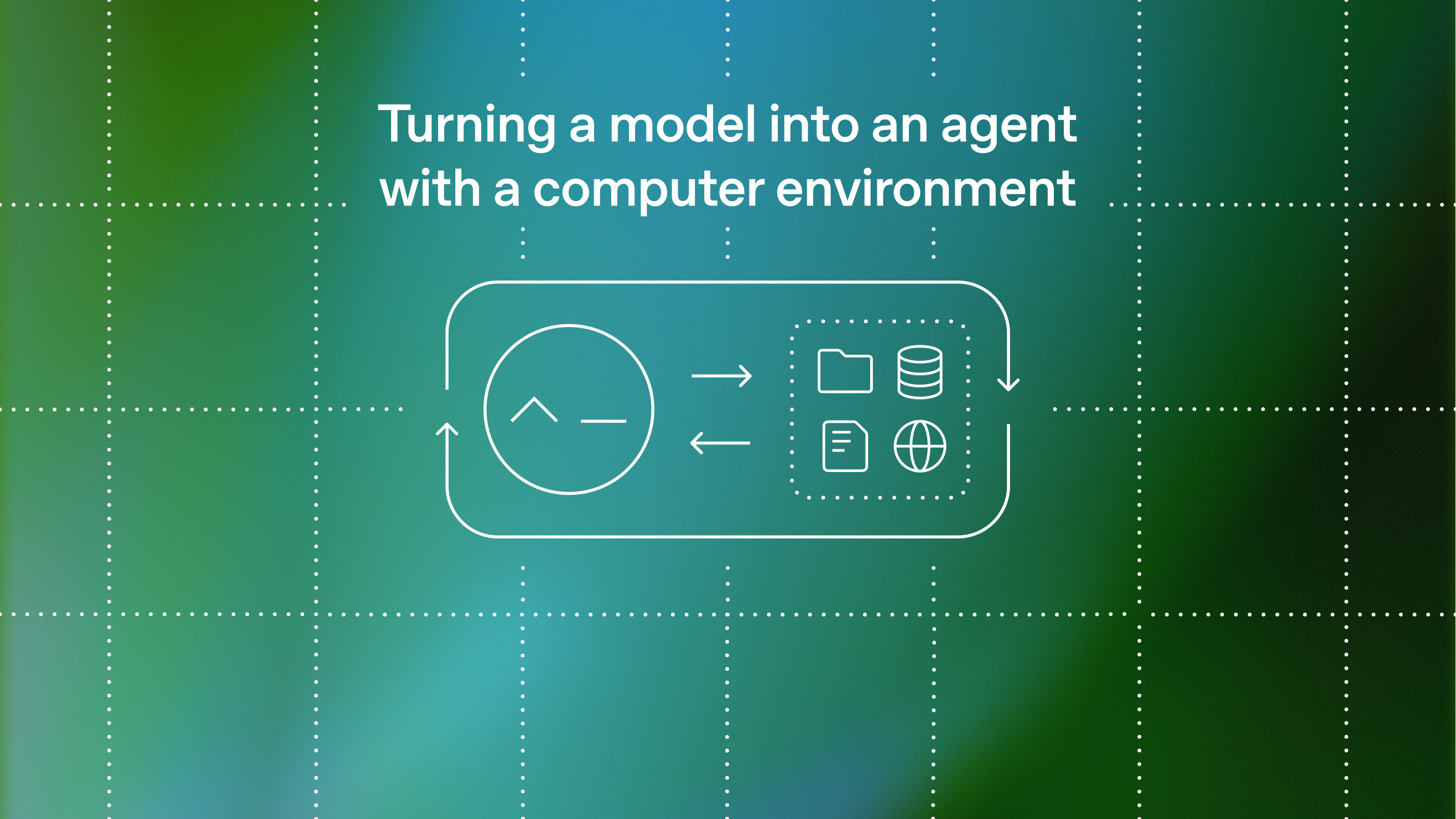
OpenAI’s Responses API, together with the shell tool and a hosted container workspace, is designed to address these practical problems. The model proposes steps and commands; the platform runs them in an isolated environment with a filesystem for inputs and outputs, optional structured storage (like SQLite), and restricted network access.
In this post, we’ll break down how we built a computer environment for agents and share some early lessons on how to use it for faster, more repeatable, and safer production workflows.
A good agent workflow starts with a tight execution loop: the model proposes an action like reading files or fetching data with API, the platform runs it, and the result feeds into the next step.
Source link