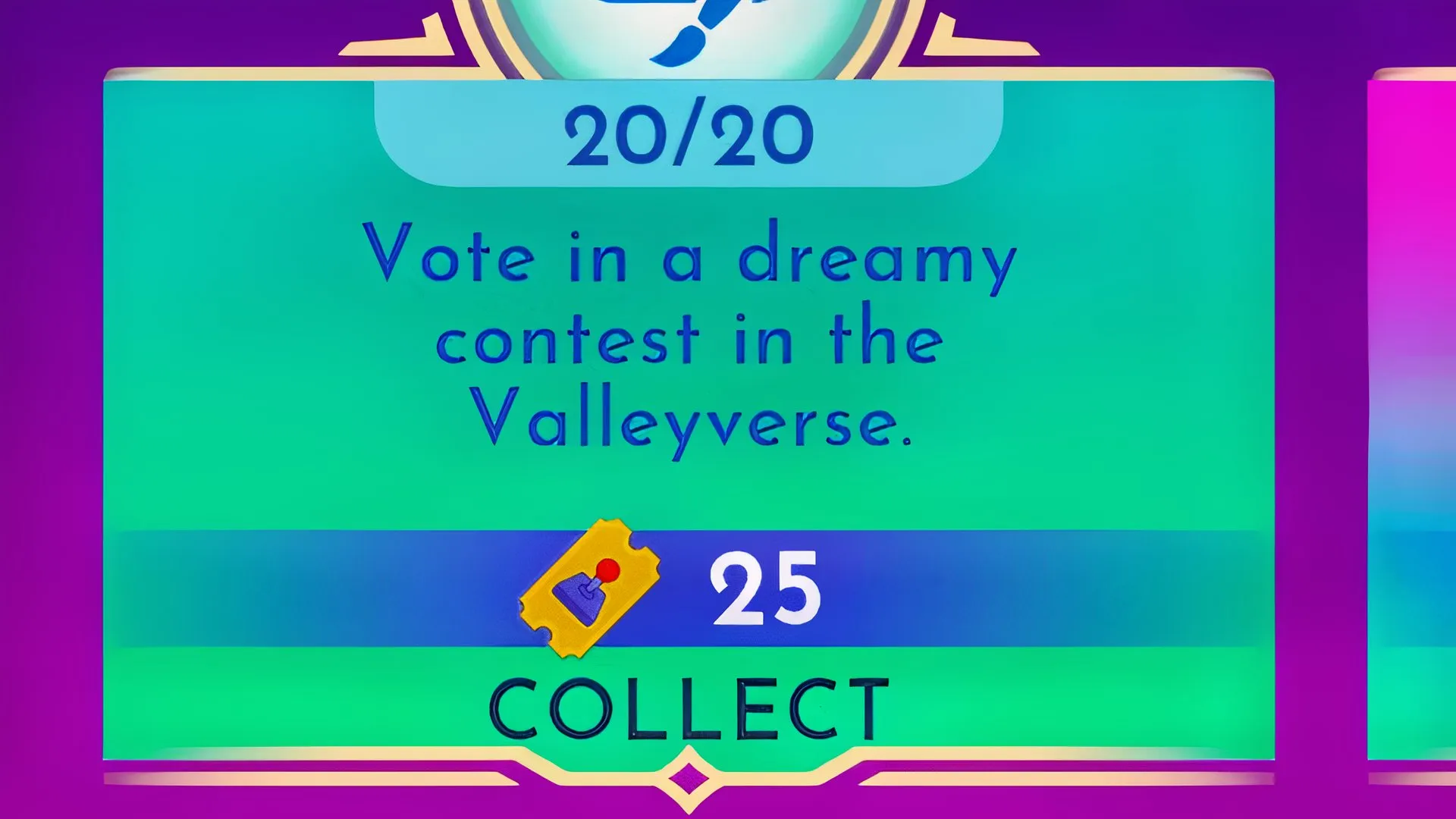
If you've already finished last week's routine duties, it's time to move on to Week 5 in Disney Dreamlight Valley. Two of this week's duties are pretty straightforward, but the third one asks you to “vote in a Dreamy Contest in the Valleyverse,” which can be a little confusing at first. Here's how to complete it.
The Parks Floating Festival brings exciting puzzles to Disney Dreamlight Valley. Here's how to solve them and claim the rewards.
The Dreamy Contest in the Valleyverse is actually the DreamSnaps contest. It's a weekly photo contest where players dress up their characters or decorate the Valley according to the week's theme. Other players then vote on the submitted DreamSnaps, and the number of votes determines how well each entry ranks.
To submit a vote in a Dreamy Contest in the Valleyverse duty, you will need to perform the following:
You can submit your own DreamSnap too. Go to DreamSnaps > Current Challenge in the Events tab to see the week's theme, then submit your photo in the camera menu.
If you don't see the duty yet, check whether you have completed the routine duties from the previous week. You need to finish those first. Players who have the Premium Star Path can skip the earlier weeks and unlock all routine duties released so far.
Source link