Star Wars Zero Company has finally been released, so grab your blaster, arm your Thermal Detonators, and get ready to miss targets at point-blank range. In this tactical strategy game, players control a group of mercenaries during the tail end of the Clone Wars who are tasked with doing dirty, off-the-books jobs for the Republic.
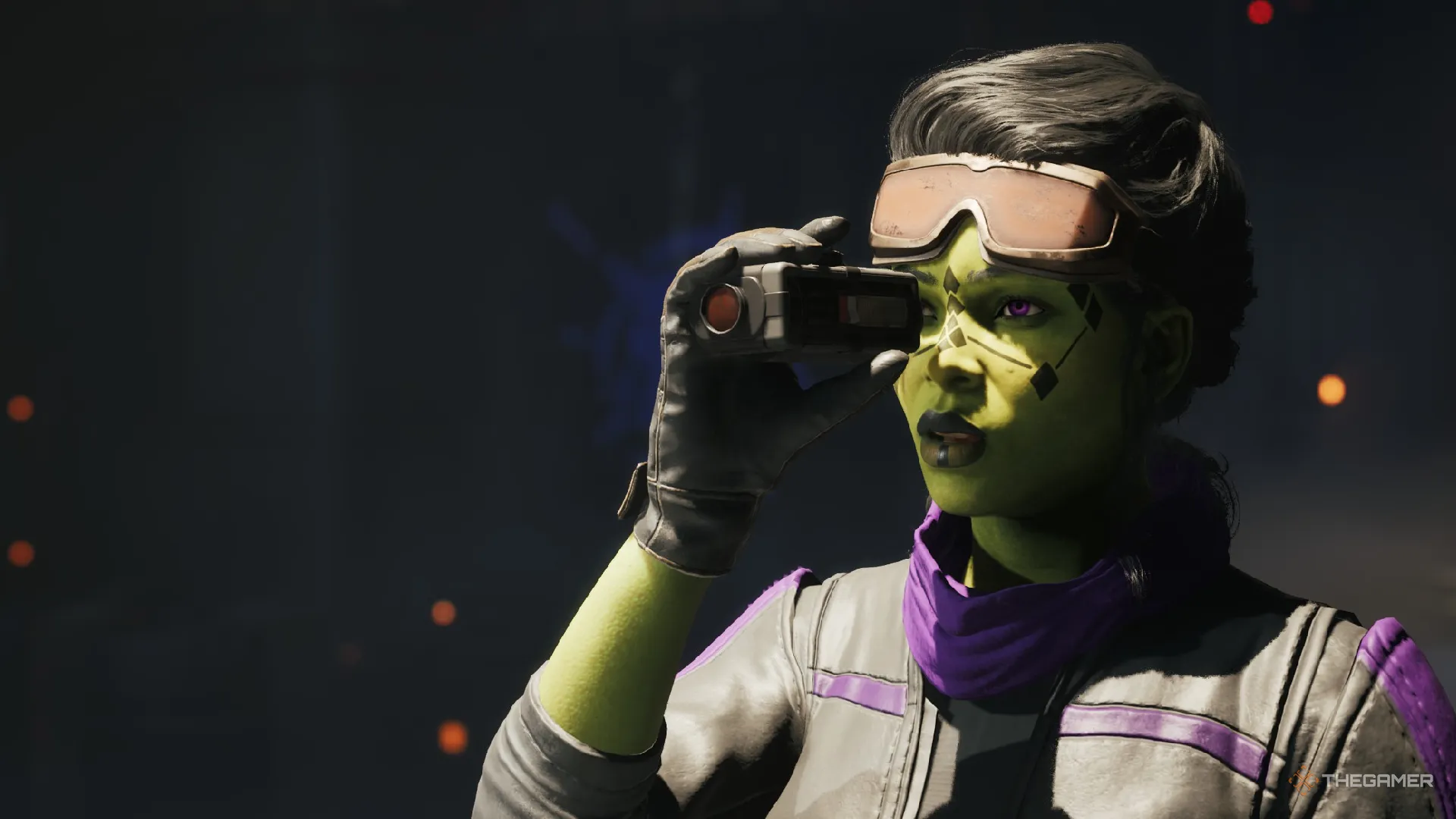
During your journey, you'll come across a variety of characters, both integral to the story and random scoundrels you've hired to complete jobs. Many of these operators (including the main character Hawks) can have their appearance and outfits changed whenever you want. If you're looking to adjust how your hired operators work, here is how to change their appearance.
To unlock the ability to alter your physical appearance and clothing, you will need to first progress through the game's prologue until you are back at The Den. This is your home base, which will act as the central hub between missions where you can recruit new operators, buy items on the black market, converse with characters, and spread your influence throughout the galaxy.
Once you can run around The Den, make your way to where the Holo-Table is and turn to the right. Next to the merchant Neesh you will see a small control console with a clothing icon hovering above it. This is where you can customize both the player character and most of the operators you hire for Zero Company.
I say most because some of the key members of Zero Company, such as Trick or Jae, cannot have any part of their physical appearance changed.
Source link